
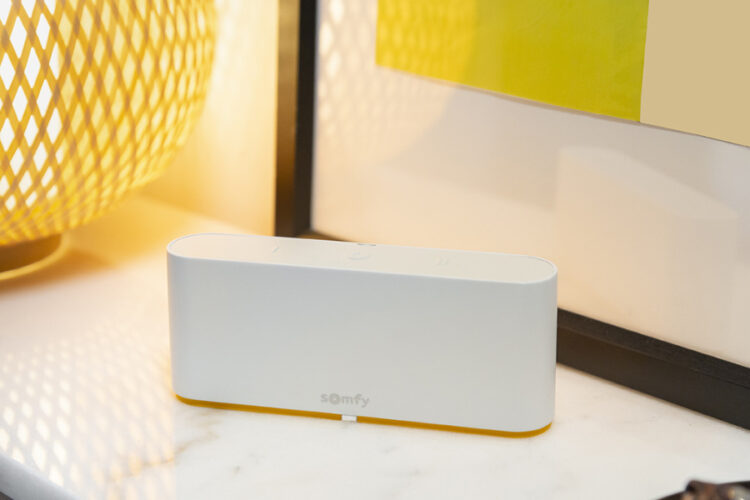
You’re standing at your front door fumbling for the shutter remote again, or you’ve just realised your kids left every shutter open while you’re two suburbs away. WiFi roller shutters solve that problem by connecting your existing motor to your home network, so control shifts from a handheld remote to an app on your phone, wherever you happen to be.
At their core, these systems pair a WiFi-enabled motor or bridge with your shutters, letting you open, close, or schedule them through a smartphone app, and often through voice assistants like Google Home or Alexa or our favourite Tahoma.. You get the same physical shutter you already know, just with smarter, remote control layered on top.
In this guide, we’ll walk through exactly how the technology works, what it costs to install or upgrade in an Adelaide home, and the practical benefits around security, insulation, and daily convenience. We’ll also cover your options if you want to retrofit existing manual or battery shutters rather than replace them outright.
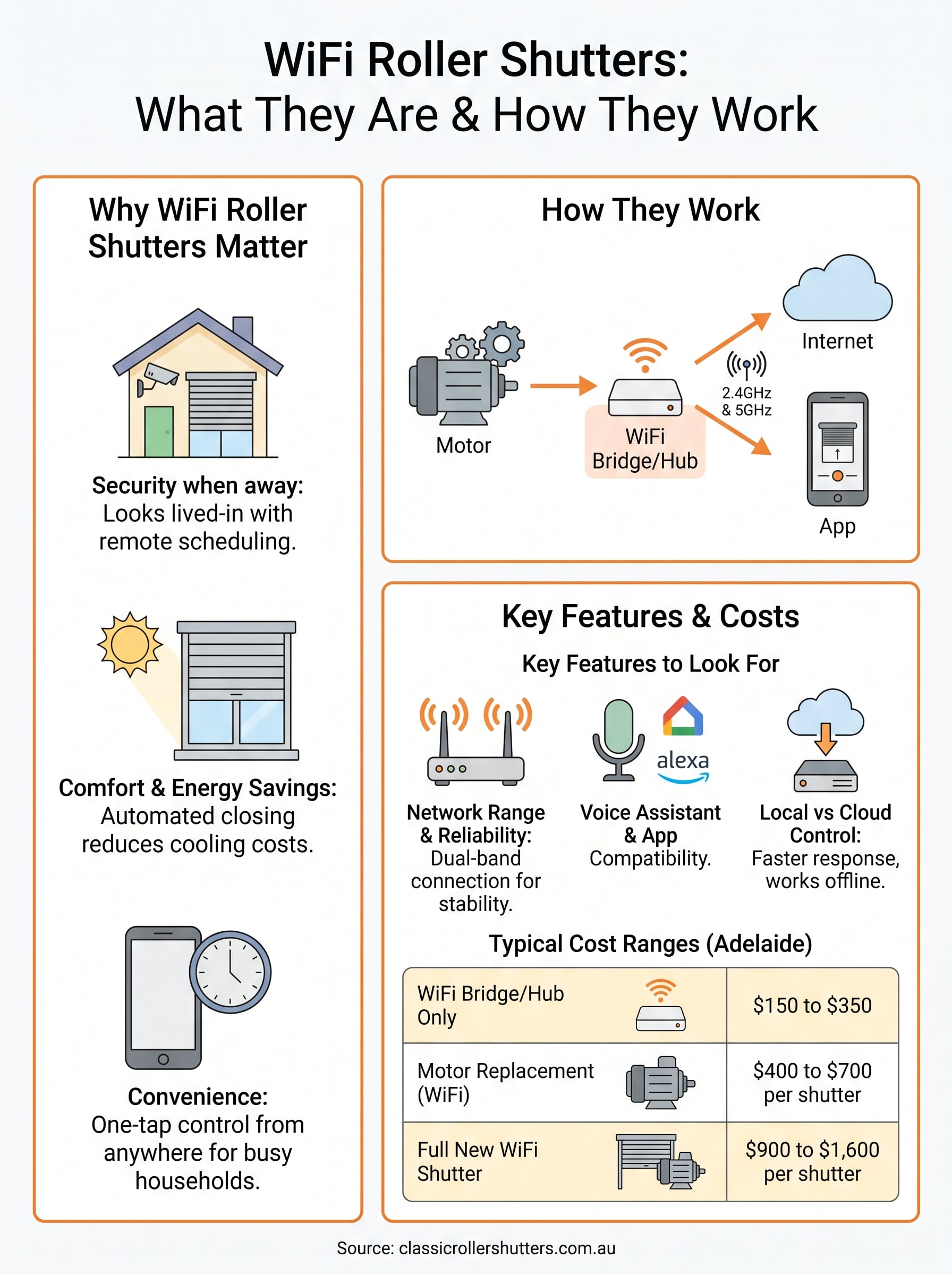
Why WiFi roller shutters matter for your home
Adelaide summers push past 40°C some weeks, and winter mornings can sit near freezing. Getting your shutters closed at the right moment isn’t just about comfort, it’s about keeping your energy bills sane. WiFi roller shutters give you that control without needing to be home, which matters more than most people realise until they’ve tried it.
Security when you’re away
Burglars watch for patterns. A house with shutters stuck in the same position for days screams “nobody’s home.” With app control, you can open and close shutters on a schedule from anywhere, making an empty house look lived-in. This kind of remote security control is one of the strongest arguments for upgrading, especially if you travel often or manage a rental property.
A shutter that moves on schedule is worth more to your security than any lock you can’t check remotely.
Comfort and energy savings
Closing shutters before the afternoon sun hits your west-facing windows can cut cooling costs noticeably. Automated scheduling means you don’t have to remember, the system does it for you based on time of day or even a temperature trigger if your hub supports it.
Convenience for busy households
Parents juggling school runs, tradies heading out before sunrise, and shift workers coming home at odd hours all benefit from one-tap control from bed, the car, or the office. You stop relying on someone being physically present to manage every shutter in the house, and that alone changes how a home functions day to day.
How WiFi roller shutters work
Every WiFi shutter system relies on three parts working together: a RTS motorised shutter, a WiFi bridge or hub, and an app on your phone. The motor itself often uses a low-power wireless protocol rather than raw WiFi, and the hub translates that signal onto your home network so the app can reach it from anywhere with internet access, not just when you’re standing in the same room.
The hardware behind the app
Most setups use one of the following components, and knowing the difference helps when you’re comparing quotes:
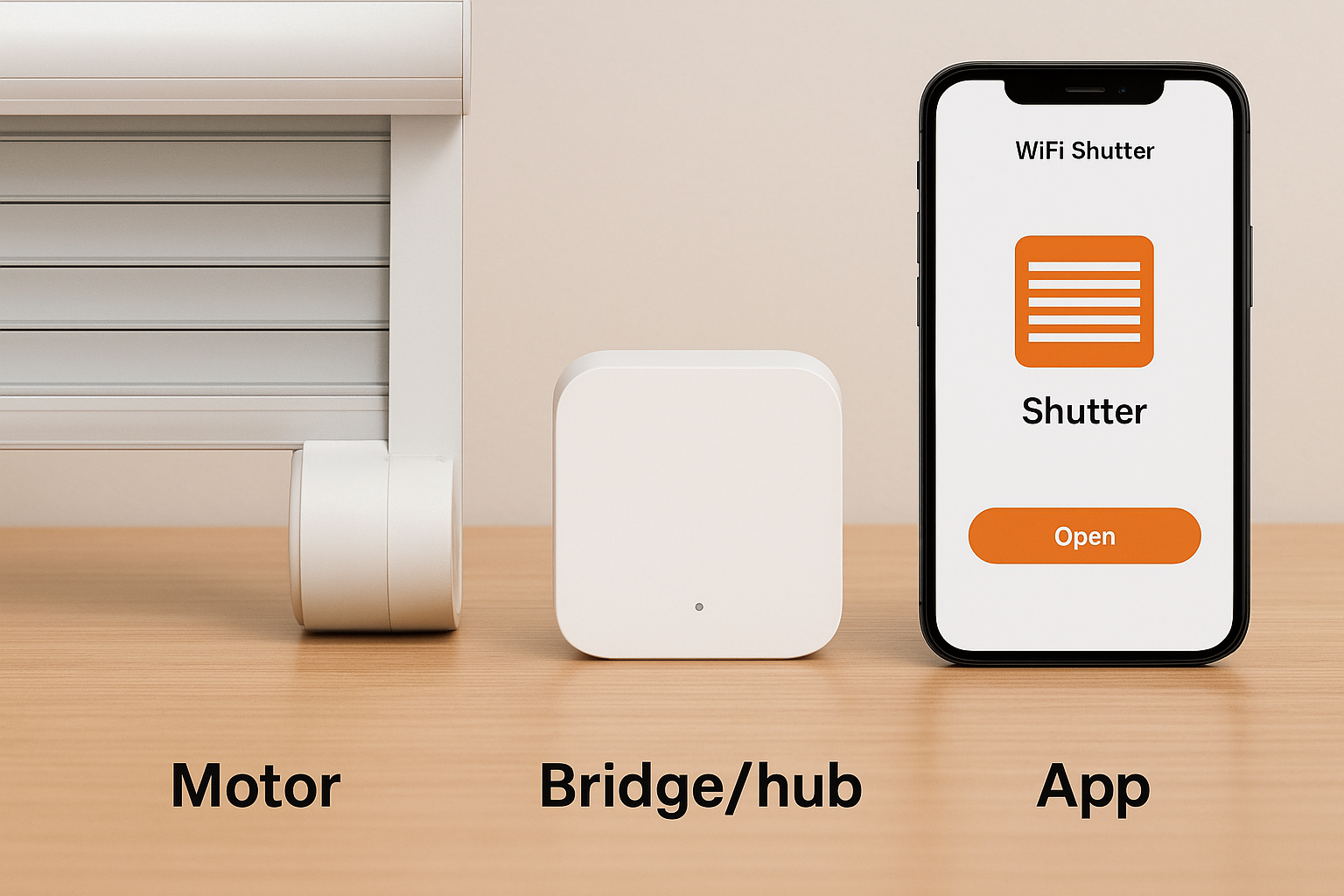
| Component | Role |
|---|---|
| Motor | Drives the shutter up and down |
| Bridge/hub | Connects motor signal to your WiFi router |
| App | Sends commands, schedules, and shows shutter status |
Connecting to your network
Once paired, the hub sits on your router permanently, listening for commands from the app and relaying them back to each shutter’s motor. Schedules, group controls, and voice commands all pass through this same bridge, so a stable home network matters more than people expect.
No bridge, no remote control, the hub is what turns a motor into a smart shutter.
Getting this pairing right during installation is what determines whether your remote access works reliably or drops out when you’re away from home.
Key features to look for in a WiFi hub
Not every hub on the market handles Adelaide’s mix of brick homes, double-brick party walls, and metal roofing equally well. Before you buy, check what actually matters for reliable day-to-day use rather than getting distracted by flashy app screenshots.
Network range and reliability
Signal drop-out is the biggest complaint with cheaper systems. Look for a hub with a dual-band WiFi connection (2.4GHz and 5GHz) and confirm it’s rated for the number of shutters you’re running. A hub struggling to hold ten motors will lag or miss commands entirely.
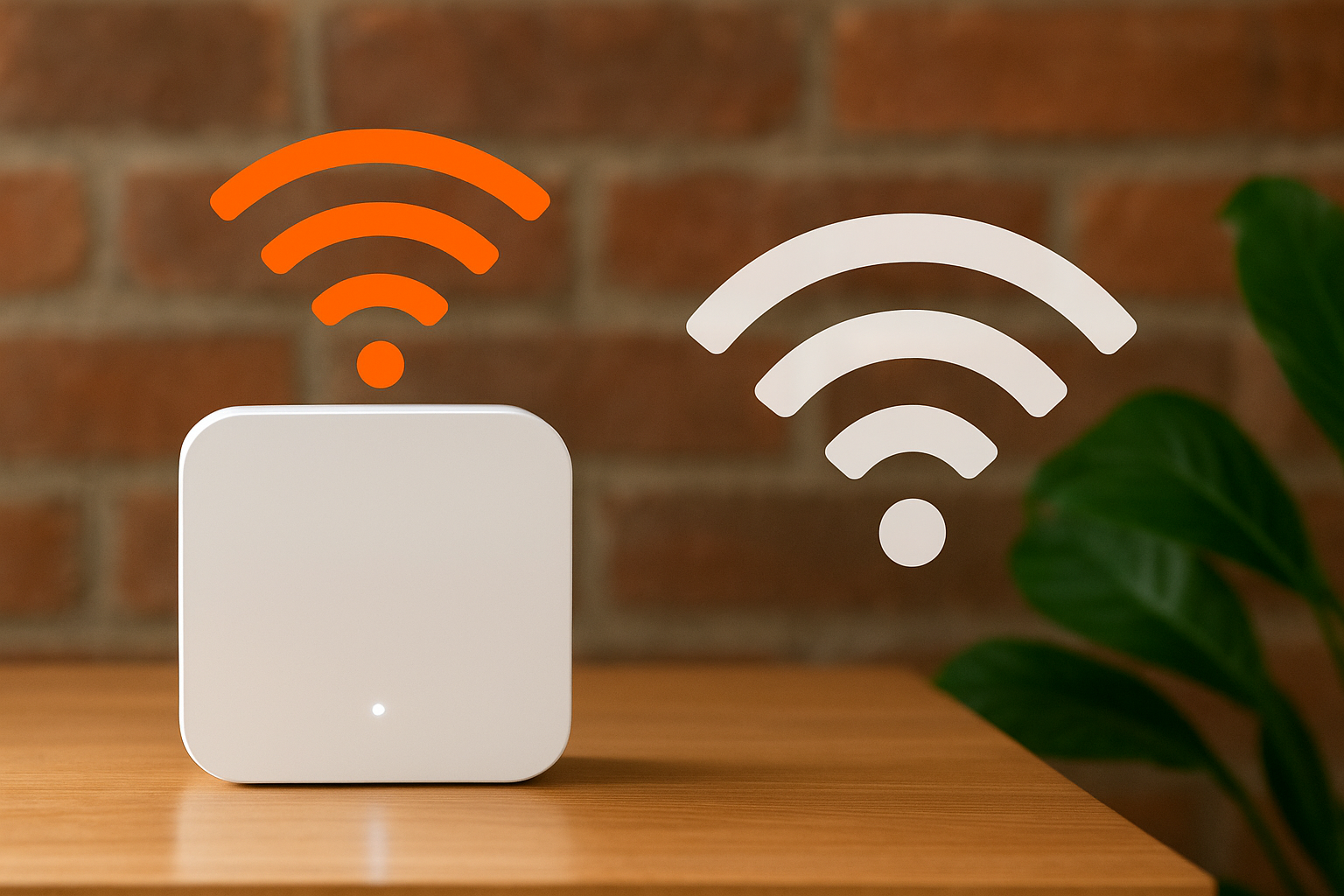
A hub that can’t hold a stable signal to every motor isn’t worth installing, no matter how good the app looks.
Voice assistant and app compatibility
Check the hub works with Google Home and Alexa before you commit, since not all brands support both. Also confirm the app allows:
- Grouping shutters by room or zone
- Scheduling by time or sunrise/sunset
- Manual override without losing WiFi settings
Local vs cloud control
Some hubs process commands locally on your network, others route through a cloud server. Local processing tends to respond faster and keeps working during short internet outages, which matters more than most buyers realise until their internet drops mid-storm.
What it costs to add WiFi control to your shutters
Pricing depends heavily on whether you’re retrofitting old shutters or building WiFi control into a new install. Retrofitting an existing motor with a bridge and app control is the cheapest path, while replacing manual shutters with new motorised, WiFi-ready units costs considerably more but gives you a cleaner setup.
Typical price ranges
Here’s what most Adelaide homeowners can expect to budget, though your final quote depends on shutter count and existing wiring.
| Upgrade type | Typical cost range |
|---|---|
| WiFi bridge/hub only (existing motorised shutters) | $150 to $450 |
| Motor replacement with WiFi capability, per shutter | $550 to $700 |
| Full new WiFi shutter, supplied and installed | $1500 to $1,900 per shutter |
Retrofitting a bridge onto shutters you already own is almost always cheaper than replacing the whole unit.
What affects your quote
Several factors push pricing up or down, including the number of shutters you’re connecting, whether your existing motors are already RTS electric, and how far your switchboard sits from the shutters needing power. A free quote is the only reliable way to know your actual number.
Fitting WiFi control into an existing smart home
If you’re already running Google Home, Alexa, Tahooma or a broader smart home setup, adding WiFi roller shutters should slot in without a rebuild. Most hubs on the market are built to integrate with existing ecosystems rather than force you onto a separate app, so your shutters can sit alongside your lights, locks, and thermostat in one control screen.
Working with what you’ve already got
Before buying a new hub, check compatibility against your current setup:
- Confirm the shutter hub supports your existing voice assistant
- Check whether it needs its own app or integrates into one you already use
- Ask if it supports routines, so shutters can trigger alongside other devices
Automation across your whole house
Once integrated, you can build routines that tie shutters to other actions, closing them automatically when your alarm arms, or opening them when your morning lights switch on. This kind of automated scheduling turns a single shutter into part of a wider system rather than an isolated gadget.
A shutter that only works in its own app is just a smart remote, not a smart home.
Getting this integration right during installation saves you from running two separate systems side by side.
Getting the most from smart shutter control
WiFi roller shutters aren’t a gadget for the sake of it. They’re a practical answer to real problems: a house that looks empty while you’re at work, a west-facing lounge room that cooks all afternoon, or a household too busy to chase remotes. Once you understand the motor, hub, and app working together, the decision comes down to whether you retrofit what you’ve got or replace it with new WiFi-ready units, and both paths are worth pricing properly rather than guessing.
Getting genuine value from smart shutter control means choosing a reliable hub, integrating it with the smart home system you already run, and having it installed by someone who understands Adelaide wiring and roof types. That’s where a proper quote beats an online estimate every time.
If you’re ready to see real numbers for your home, book a free in-home quote with Classic Roller Shutters and get shutters that actually work the way you need them to.